Drishti AI Studio is software that runs on a GPU computer on your premises. It watches the IP cameras, recorders and VMS you already have, and raises an alert when something matters, with the original picture to prove it. Nothing goes to a cloud, and nothing calls home.
What it finds
Choose per camera what Studio looks for. Every detector has its own switch and its own settings, with the recommended value shown beside each one.
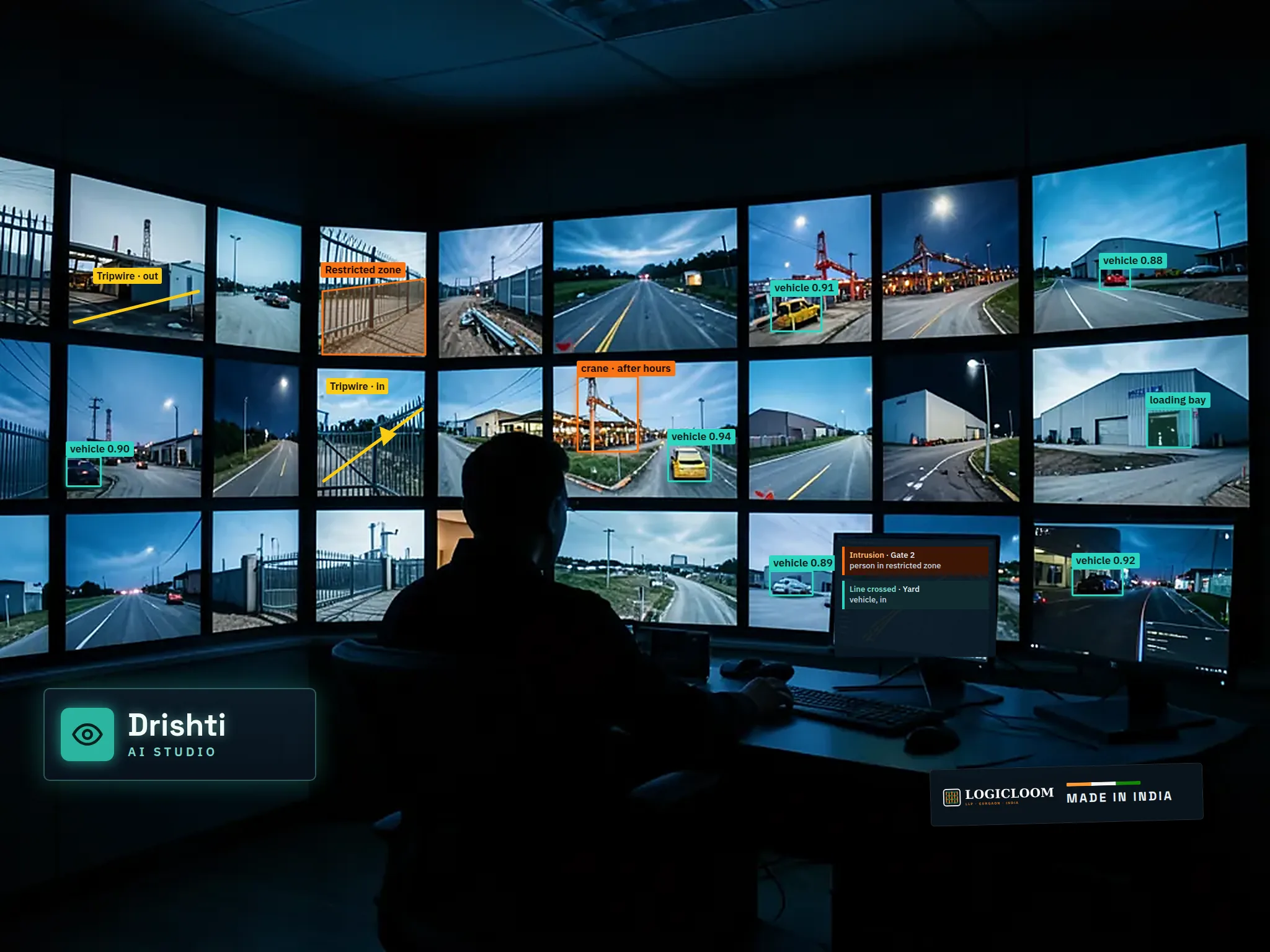
Detected and tracked across the picture, in zones and across lines you draw on the camera's own view.
Entering a zone, staying too long, crossing a line in the wrong direction, and counts in and out per line.
A bag or case that stays where its owner left it, for longer than you allow.
Flames and smoke anywhere in the picture. An early warning on camera; it does not replace a fire alarm.
A rifle or shotgun with a person. Handguns are not covered; we say so rather than imply it.
Each person on a site camera checked for a hard hat and a high-visibility vest; an alert when one is missing.
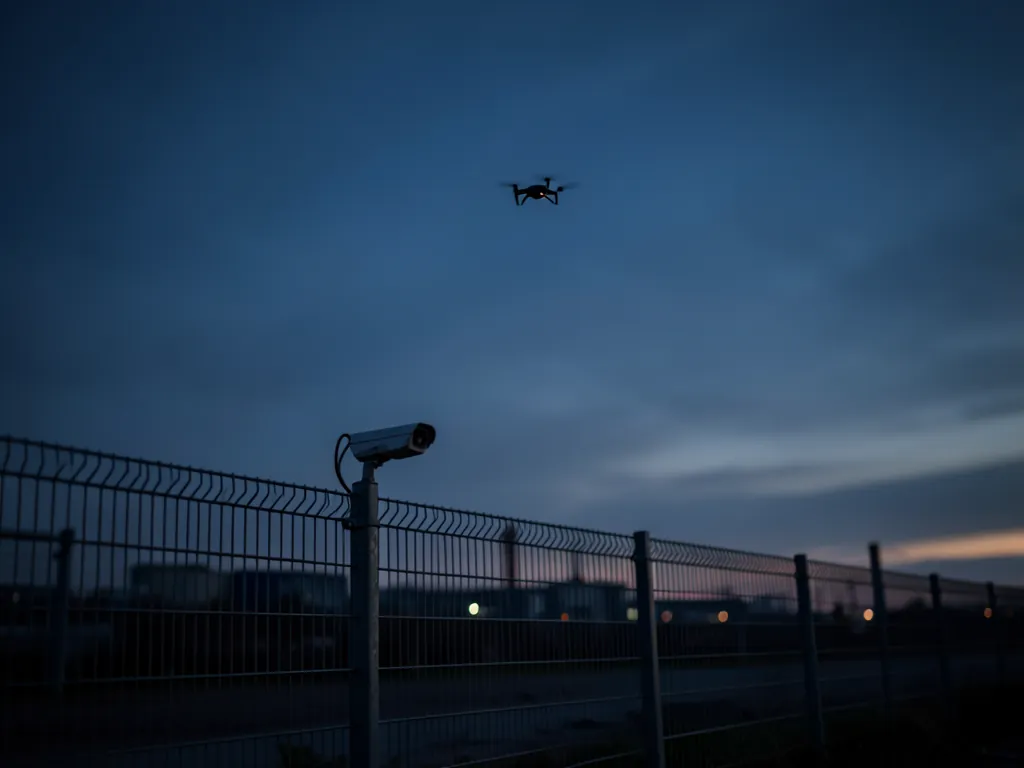
On cameras that see the sky. It knows birds and aircraft too, so it does not call them drones.
Gunshots, explosions, breaking glass and screaming, from cameras whose stream carries sound.
Recognises people you enrol, from photos or from your HR records or directory. Biometric: it stays off until an admin records consent.
First in and last out per person per day, from your entry and exit cameras. Optional.
A camera that goes offline, freezes, is covered or is turned away raises its own alert.
Laptops, chairs, sofas, monitors and any of 80 everyday objects: each has its own switch, and a rule can watch for one left behind after hours.
Light correction and a picture check before detection, so dark or washed-out views are not silently missed.
Zones, counting lines and one-way tripwires drawn on the camera's own view, with today's in and out counts shown on each line.
The AI features page shows what each model finds, its switch, its cameras, the model and its licence, whether it is running, and what it found today.

Works with what is installed
Studio reads the streams your cameras and recorders already send. Add a recorder once and its channels appear; add cameras one by one; or let your VMS hand them over.
Alerts
The console sounds the alarm and shows the picture, the clip and the reason. Beyond the console, every channel is off until an admin turns it on and records consent; nothing leaves the site by default.
Send each camera's or rule's alerts to the people who own them, with quiet hours, and a digest instead of a flood.
Operators acknowledge, mark false alarms and hold alerts. Reports show how many, where, and how quickly someone answered.
Cameras working, people and vehicles in view, alerts by hour, line counts, people today and what is waiting, beside the cameras on one dark screen. Names never appear on a TV. A TV is paired by typing the 6 letters it shows; it gets a read-only screen with no password and no alert pictures.
Through the site's own phone system, Studio rings people one after another until someone presses 1, which acknowledges the alert.
Alerts go as WhatsApp templates approved for your own business account, through Meta or DoubleTick: add templates, submit them and see the verdict from the console.
Open a camera and a side panel shows its state, what is in view, who is recognised, today's alerts hour by hour, its lines and what it watches for. Full screen keeps a bar with the clock, alerts today and the latest alert.
Red-flag a person, or a face from an alert, and get a siren the moment they are seen. An intruder alert when a face nobody enrolled appears after hours.
Hear a camera's microphone from the Live page, and speak through its speaker: hold to talk, or a ready warning or typed words spoken in Studio's own voice. Admins and operators only, every talk audited.
An alarm tone, and the alert read aloud in Studio's own voice, made on the Studio computer from public-domain voices, with nothing sent anywhere. Internet radio between alerts, only if an admin allows it.

Evidence
An enhanced picture helps a person see. It is never passed off as what the camera recorded.

Your control

Scale
Several Studio computers work as one, behind one console. The main computer shares out the cameras; the others take them and send their alerts back.

Installation
One package for Ubuntu 24.04, installed without the internet, then a setup wizard in the browser.
Measured, not promised
We publish what we measured and what it was measured on, including what did not go well. Small tests are called small. Your cameras will differ; we measure on them before you rely on a number.
| What | Result | Measured on |
|---|---|---|
| A computer in a cluster stops: its cameras move | 19–20 s | Two machines on an office network, twice |
| Gunshot heard | 0.92 | Score on a public-domain gunshot recording; the spoken word “gunshot” scored 0.00 |
| Explosion heard | 0.02 · 0.17 | Two public-domain explosion recordings: weak by sound alone, so an explosion alert is a hint |
| Fire · smoke seen | 0.70 · 0.80 | Two public-domain fire photographs. Office tests also showed people in dark clothes scoring up to 0.51, so alerts start at 0.55 |
| Hard hat and vest worn | 0.93–0.96 | Two workers in a public-domain photo; still 0.86 or more shrunk to 80 pixels tall |
| Long gun with a person | 0.68 · 0.93 | Two public-domain photos. A rifle hidden behind the body was missed |
| Drone detector indoors | false 0.60 | Spent cartridge cases on a range floor were called a drone, so it is for cameras that see sky |
| An office recorder, 16 channels | 16 of 16 | A 16-channel DVR's H.265 streams, all live and analysed on one 8 GB graphics card, using 2–5 GB of it |
| Chairs · keyboards on a ceiling camera | 0.80–0.94 | One office camera looking down at a desk; a laptop on a far desk scored only 0.37 |
| Face recognition: wrong person matched | 0 of 36 | 12 stills of 2 people. A tiny sample, not an accuracy claim |
Scores are the models' confidence from 0 to 1. We do not claim certifications Studio does not hold.

People data, handled carefully
Get started
Send us how many cameras you have, which recorders or VMS, and what you want to catch. We will test on your own camera pictures before anything is promised.